Four years on from the large-scale shift to remote and flexible working patterns prompted by the COVID pandemic, hybrid working is now part of everyday life for many organisations and their staff. Employees have come to expect flexibility – and may move on if they do not get it, businesses benefit from wider talent pools and the range and capabilities of online collaboration tools have matured considerably. However, cyber security risks have evolved just as quickly – if not more so.
This is a big challenge for employers: have their cyber controls kept up with the reality of a workforce that regularly moves between corporate offices, homes, shared workspaces and public locations, often during the same day?
For employers, cyber security is a business resilience, regulatory compliance and reputational risk issue. Under the UK GDPR and the Data Protection Act 2018, organisations must implement appropriate technical and organisational measures to protect personal data. The Information Commissioner’s Office (ICO), soon to become the Information Commission, continues to emphasise secure remote working practices, while the National Cyber Security Centre (NCSC) warns that remote and hybrid working environments require specific security controls.
The expanding attack surface of hybrid working
Traditional office environments provide a relatively controlled security perimeter. Devices were managed centrally, networks were monitored and security teams could keep an eye on what was happening – and take action quickly if something happened.
However, hybrid working changed this picture dramatically. Employees can connect from home broadband networks, use personal devices, access cloud services from multiple locations and store business information across various collaboration platforms. Each of these touchpoints creates potential opportunities for attackers.
Cyber criminals have increasingly targeted remote workers through phishing campaigns, credential theft and attacks against cloud-based accounts. In many cases, organisations have invested heavily in tools and systems to increase productivity but have not reviewed whether their security controls remain proportionate to new ways of working.
All this means that a cyber security strategy that was designed for a predominantly office-based workforce may no longer be fit for purpose.
Device security – the first line of defence
Every laptop, smartphone and tablet used for work represents a potential entry point into the organisation. The NCSC recommends ensuring devices are securely configured, regularly updated and capable of encrypting data at rest. Encryption is particularly important for hybrid workers because it is more likely that devices will be lost, stolen or used outside secure corporate environments.
For employers, key device security measures should include:
- Full-disk encryption on laptops and mobile devices.
- Automated operating system and application updates.
- Endpoint detection and response (EDR) or modern antivirus protection.
- Mobile device management (MDM) capabilities.
- Remote lock and remote wipe functionality for lost or stolen devices.
- Asset inventories to maintain visibility of all corporate devices.
BYOD
Bring Your Own Device (BYOD) policies should also be looked at more closely. While allowing staff to use personal devices may lead to greater flexibility, it can create significant security and compliance risks. The ICO advises organisations to carefully assess the risks associated with personal devices and ensure appropriate controls are in place to separate business and personal data. If employers cannot properly manage, monitor and secure personal devices, providing company-managed equipment may be the safer option.
VPNs: an important layer of protection
Virtual Private Networks (VPNs) continue to play an important role in supporting secure remote and hybrid working arrangements. A VPN creates an encrypted connection between an employee’s device and the organisation’s network, helping to protect data from interception when staff are accessing business systems over home broadband or other external internet connections.
While modern cloud-based services increasingly rely on alternative security approaches such as zero trust architecture and strong identity controls, many organisations still use VPNs to provide secure access to internal applications, file servers and other corporate resources. The NCSC advises organisations to ensure remote access solutions are securely configured and maintained, while the ICO highlights the importance of using secure technologies when employees work away from the office.
A VPN should not be viewed as a complete cyber security solution, but when combined with measures such as multi-factor authentication (MFA), device encryption, patch management and robust access controls, it can form an important part of a layered defence strategy for hybrid workforces.
Beyond passwords
One of the biggest shifts in cyber security over recent years has been the recognition that protection can no longer rely solely on passwords.
Hybrid working relies heavily on cloud applications such as Microsoft 365, Google Workspace, CRM platforms and collaboration tools. These services are accessible from anywhere, which is great for productivity but equally attractive to attackers looking for compromised credentials.
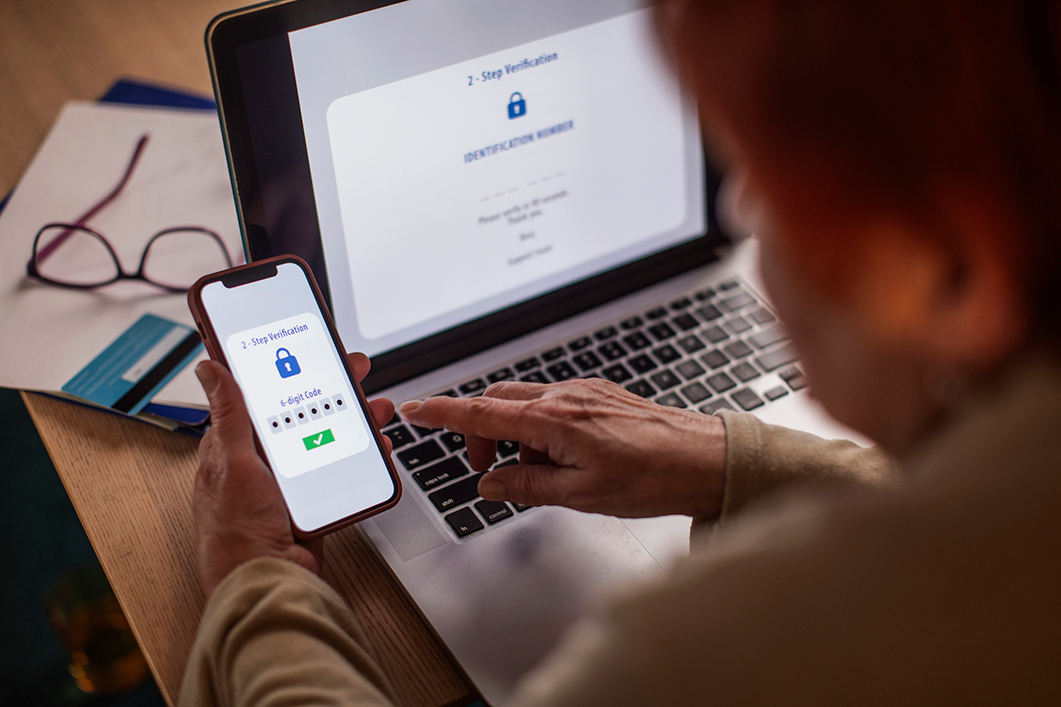
Both the ICO and NCSC strongly recommend MFA for remote access and cloud-based services. This significantly reduces the risk of account compromise by requiring an additional authentication factor beyond a password.
Passkeys
The NCSC now recommends using passkeys instead of passwords wherever they are available. Passkeys provide a passwordless way to sign in using the security features already built into a trusted device, such as facial recognition, a fingerprint or a PIN. Because they are based on the FIDO2 standard, they are resistant to phishing and cannot be intercepted, reused or stolen in the same way as passwords. This makes them as secure as, or more secure than, traditional forms of MFA.
Passkeys can also make signing in quicker and easier because they are created, stored and managed automatically by a device’s credential manager and can be synchronised across trusted devices. Where passkeys are not available, users should continue to use strong, unique passwords generated by a password manager and enable MFA to provide additional protection for their accounts.
Employers should also think about broader access management principles, including:
Least-privilege access
This is where users only have access to the data and systems needed for their role. Excessive permissions increase the potential effect of compromised accounts.
Strong identity governance
Joiner, mover and leaver processes should be rigorously maintained to ensure access rights are updated promptly when employees change roles or leave the business.
Privileged account controls
Administrative accounts should be carefully managed and separated from standard user accounts wherever possible. Attackers frequently target privileged credentials because they provide wider access across an organisation’s systems.
Continuous monitoring
Security teams should maintain visibility over account activity and investigate unusual login behaviour, particularly from unfamiliar locations or devices.
Understanding the risks of remote working
Many employees have become comfortable working remotely but familiarity can sometimes lead to complacency. Remote environments rarely offer the same level of security as corporate offices: family members may have access to devices, conversations can be overheard, printed documents may be left unsecured and home networks may not be configured with strong security settings. The ICO highlights these concerns and advises organisations to provide clear guidance for staff handling personal data while working remotely.
Common remote working risks include:
- Use of unsecured or poorly configured Wi-Fi networks.
- Sharing devices between family members.
- Increased exposure to phishing emails and scams.
- Poor document handling and disposal practices.
- Shoulder surfing or inadvertent disclosure of sensitive information during calls and video meetings.
- Storage of business data in personal cloud accounts or applications.
The role of employee awareness in addressing and reducing these risks is critical. Regular cyber security training should cover phishing awareness, password hygiene, data handling responsibilities and incident reporting procedures. Staff should know how to recognise suspicious activity and feel confident escalating concerns quickly.
Regulatory expectations are not reduced by flexible working
A misconception that is common amongst businesses is that remote working somehow changes regulatory obligations. It does not. The UK GDPR requires organisations to implement “appropriate technical and organisational measures” to ensure the security of personal data. These requirements apply regardless of whether employees are working in the office or remotely.
The ICO’s guidance makes clear that organisations must assess risks associated with remote working and take reasonable steps to mitigate them. This includes putting suitable policies in place, secure technologies, access controls and staff training.
Many organisations also use the Government-backed Cyber Essentials scheme as a baseline framework for security controls. Cyber Essentials focuses on areas such as secure configuration, access control, malware protection, patch management and secure network boundaries, all of which are highly relevant to hybrid working environments.
A good time for a security health check
As hybrid working becomes a permanent feature of modern business, employers should ask themselves several key questions:
- Do we know every device accessing company data?
- Is MFA enabled across all critical services?
- Do we carry out regular reviews of access permissions?
- Can we remotely secure or wipe lost devices?
- Have staff received recent cyber awareness training?
- Are our remote working policies still fit for purpose?
- Would our current controls satisfy regulatory scrutiny following a security incident?
If the answer to any of these questions is uncertain, it may be time for a cyber security review.